How the Weekly Ranking Works
One vote per prompt, a fresh count every Monday, and a simple tie-break. Everything about how prompts reach the top three, in plain words.
Most disappointing answers come from prompts that are missing one of five parts. Here is what each part does, with a before and after you can copy.
When a prompt gives you a bland or off-target answer, the model is rarely the problem. The prompt left out something a human colleague would also have needed. Prompts that work reliably almost always contain the same five parts.
A role is a shortcut for a whole set of expectations. "You are my editor" tells Claude to care about clarity, to leave your opinions alone and to explain its changes. "You are a database performance engineer" tells it to worry about indexes before style.
Keep the role practical. "World-class genius expert" adds nothing. "The engineer who has maintained this codebase for three years" adds a lot, because it implies knowledge of history and trade-offs.
Imagine handing the task to a capable freelancer who has never heard of you. What would they ask before starting? Who is the audience? What is this for? What happened before? Put those answers in the prompt.
This is where most prompts are too short. "Write a product description for my candle" produces generic text. Add that the candles are sold at weekend markets to people buying gifts, that the price is 24 euros, and that your brand voice is dry and a bit funny, and the result changes completely.
If the work has an order, write the order. "First do the five second test, then list the five biggest problems, then rewrite the hero" gives much better results than "review my landing page".
Numbered steps also make the answer easier to read, because Claude tends to mirror the structure you give it.
Rules are the things a good collaborator could not guess: length limits, words to avoid, facts that must not be invented. Two kinds of rules matter most.
Say what you want back: a table, three options, the edited text followed by a list of changes. If you will paste the result somewhere, say where, so that the format fits.
Before:
Write a cold email to a potential customer about our cart recovery tool.
After:
Write a cold email from me to one specific person. It should sound like I wrote it myself in five minutes. The person: Dana, head of e-commerce at a mid-sized outdoor shop. Last week she launched a one page checkout. Under 90 words. The first line is about her checkout, not about me. One easy ask. Plain text. Give me three subject lines, the email, and a follow-up for four days later that adds something new.
The second version takes a minute longer to write. It saves you three rounds of "make it shorter" and "less salesy".
Read your prompt and ask: could a smart stranger do this task with only what is written here? If not, add what is missing. That single habit improves results more than any trick.
You can see all five parts at work in the prompts on our weekly board. Open a few, look at how they are built, and borrow the structure for your own.
Subject lines your new checkout question about mobile carts one page checkouts The email Hi Dana, I saw the one page checkout you launched last week. The address autocomplete is really nice. I am curious whether it changed...
Short, specific outreach that reads like a person wrote it in five minutes. Includes three subject lines and a follow-up that adds something new.
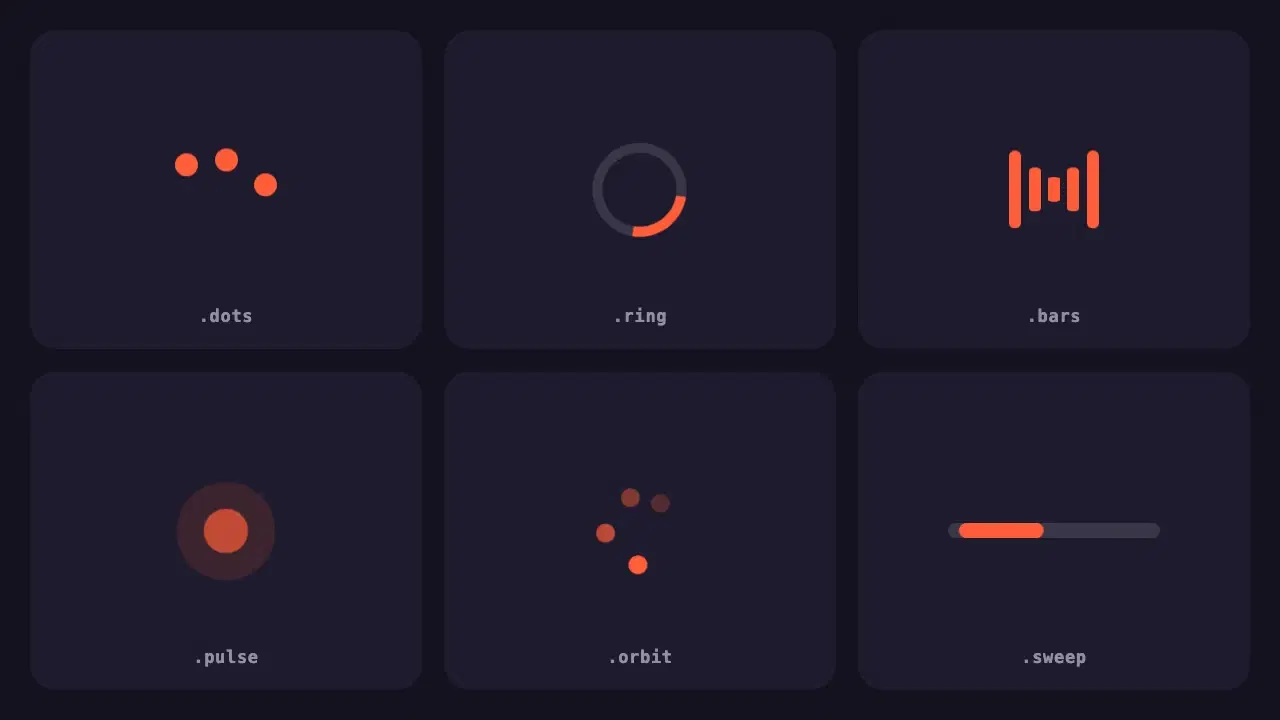
A small pack of lightweight loading indicators built with pure CSS, each with a reduced motion fallback and one variable to change the colour.
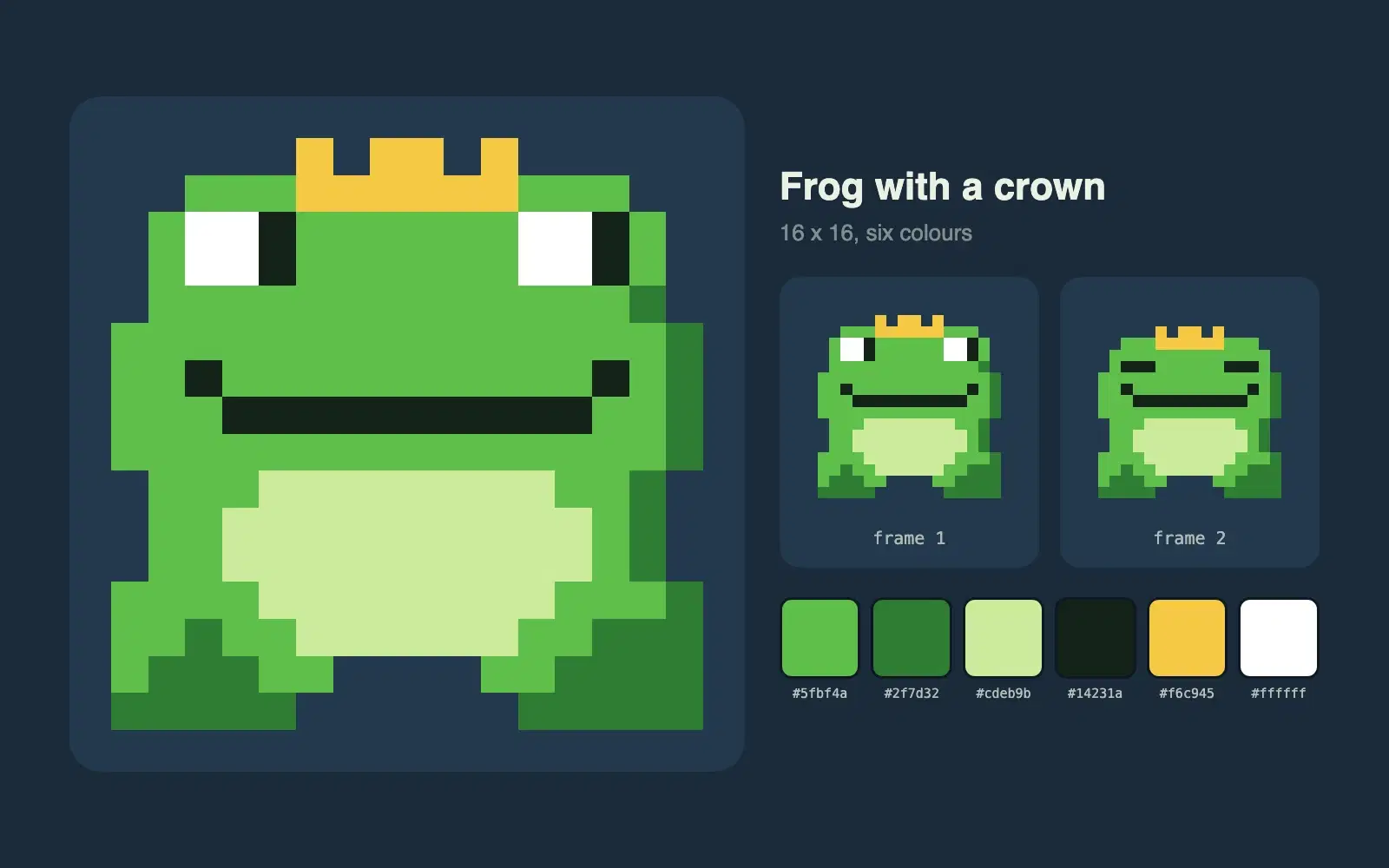
Describe a character and get a 16 by 16 pixel sprite as crisp SVG, with a limited palette and a second frame for a simple idle animation.
One vote per prompt, a fresh count every Monday, and a simple tie-break. Everything about how prompts reach the top three, in plain words.
Wrapping parts of your prompt in simple tags is one of the easiest ways to get more reliable answers from Claude. A practical guide with examples.
None of these cause an error message. They just make every answer a little worse. Here is how to spot each one and what to write instead.