How the Weekly Ranking Works
One vote per prompt, a fresh count every Monday, and a simple tie-break. Everything about how prompts reach the top three, in plain words.
Wrapping parts of your prompt in simple tags is one of the easiest ways to get more reliable answers from Claude. A practical guide with examples.
If you look closely at the prompts on this site, you will notice small tags like <draft> and <notes> around the text you paste in. They are not decoration. Anthropic's own prompting guidance recommends XML-style tags for structuring prompts, and in practice it is one of the simplest habits that makes answers more reliable.
A prompt usually mixes two things: your instructions, and material you want Claude to work on. When both are plain paragraphs, the line between them is blurry. Does "make it shorter" belong to your instructions, or is it part of the email you pasted?
Tags remove the doubt:
Summarise the customer email below in two sentences, then draft a reply.

<email>
Hi, I ordered the blue lamp three weeks ago and...
</email>
Now there is no way to confuse the email with the task.
Claude has no special list of tags. <email>, <contract>, <my_notes> all work. Pick names that describe the content, and use the same names when you refer to them: "Using the figures in <report>, answer the question in <question>."
1. Long pasted material. Documents, transcripts, code, data. Put each one in its own tag. If there are several, give them different names or add a number.
2. Examples. Wrap sample outputs in <example> tags and say what to copy from them: "Match the tone of the example, not its content."
3. Keeping rules apart from context. Background goes in one block and rules in another. When you reuse the prompt next month, you only edit the block that changed.
4. Asking for a structured answer. You can ask Claude to use tags in its reply: "Put your reasoning in <thinking> tags and the final email in <email> tags." That makes the useful part easy to find, and easy to extract if you are working with code.
You are a careful contract reviewer.

<contract>
[PASTE THE CONTRACT]
</contract>

<concerns>
We are a small agency. We care most about payment terms,
who owns the work, and how either side can end the agreement.
</concerns>

List every clause that touches our concerns. Quote it, explain
it in plain language, and rate the risk as low, medium or high.
If the contract says nothing about one of our concerns, say so.
</contract>.Pick any prompt from the collection and look at how the tags separate your material from the instructions. Then add a pair of tags to the next long prompt you write, and compare the answers.
Subject lines your new checkout question about mobile carts one page checkouts The email Hi Dana, I saw the one page checkout you launched last week. The address autocomplete is really nice. I am curious whether it changed...
Short, specific outreach that reads like a person wrote it in five minutes. Includes three subject lines and a follow-up that adds something new.
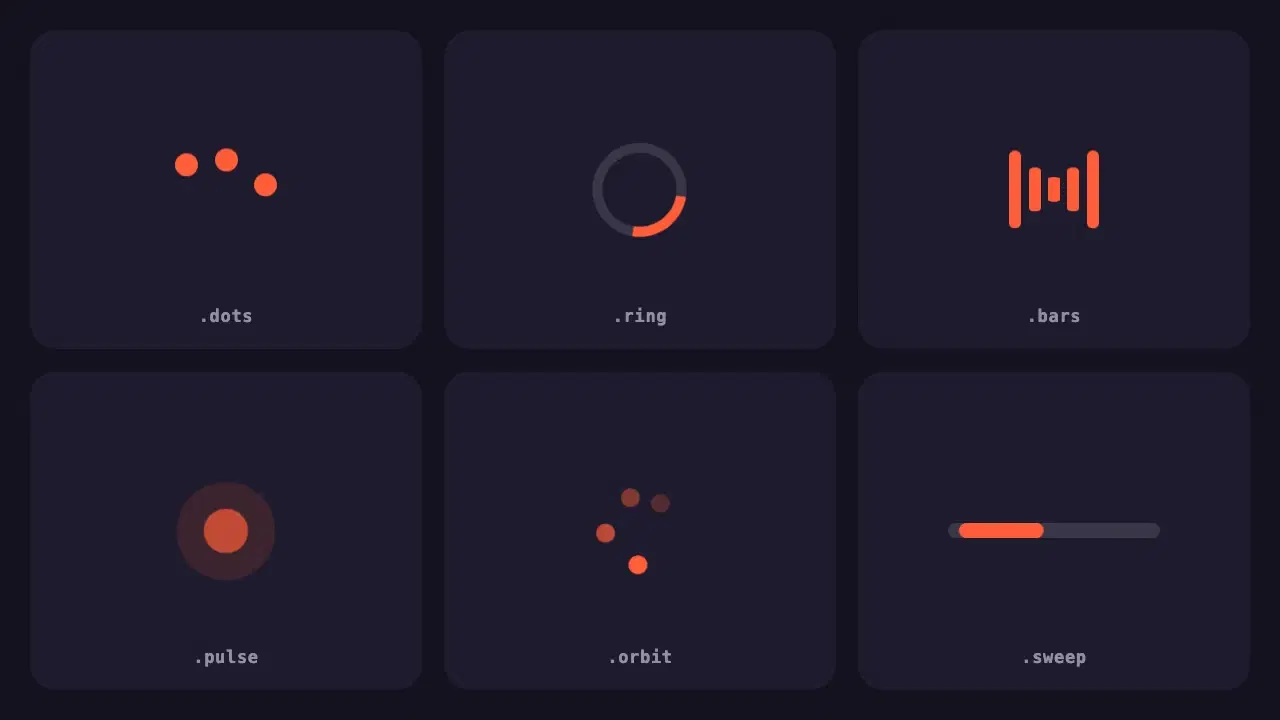
A small pack of lightweight loading indicators built with pure CSS, each with a reduced motion fallback and one variable to change the colour.
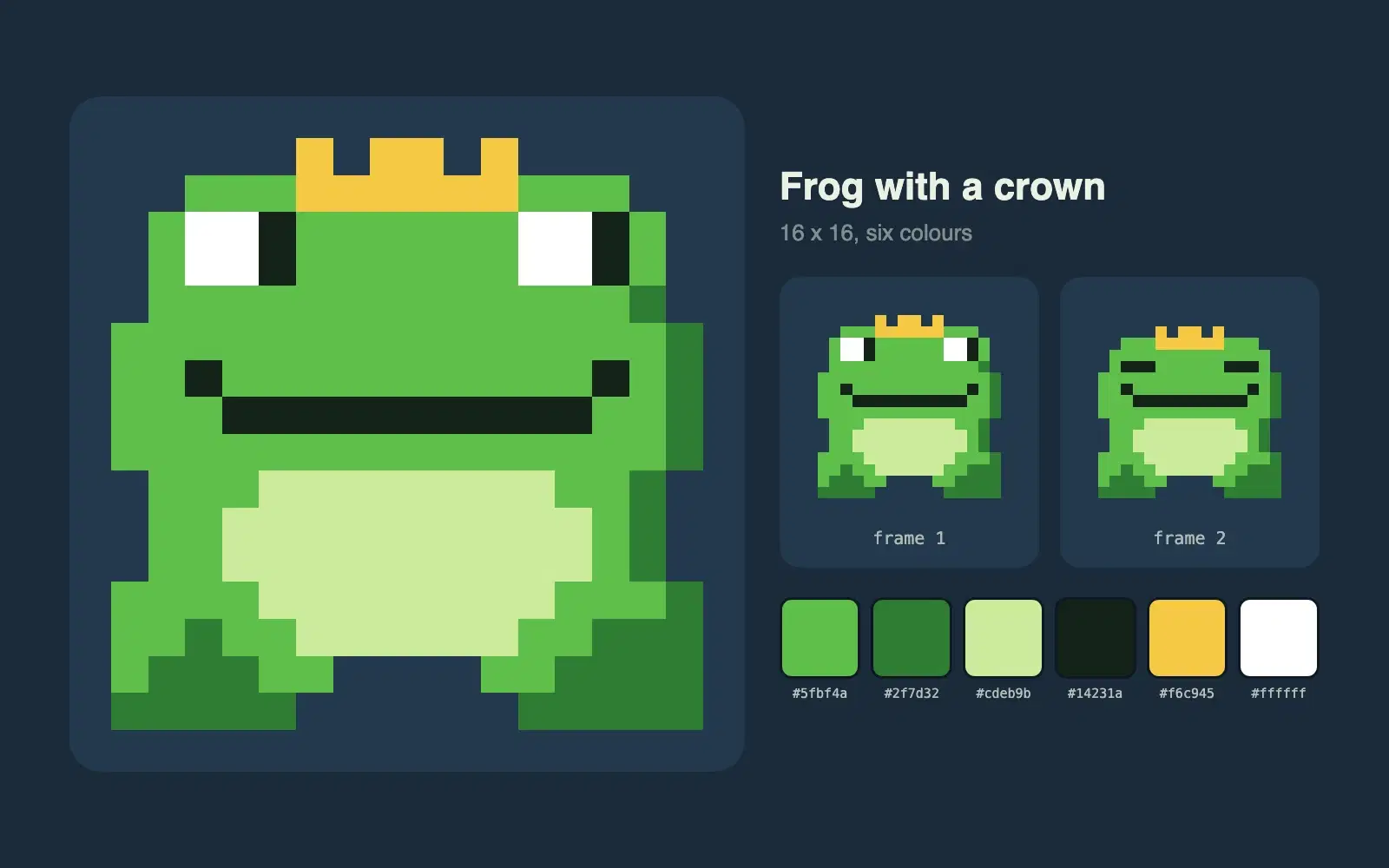
Describe a character and get a 16 by 16 pixel sprite as crisp SVG, with a limited palette and a second frame for a simple idle animation.
One vote per prompt, a fresh count every Monday, and a simple tie-break. Everything about how prompts reach the top three, in plain words.
None of these cause an error message. They just make every answer a little worse. Here is how to spot each one and what to write instead.
Most disappointing answers come from prompts that are missing one of five parts. Here is what each part does, with a before and after you can copy.