How to use XML tags in Claude prompts
Wrapping parts of your prompt in simple tags is one of the easiest ways to get more reliable answers from Claude. A practical guide with examples.
One vote per prompt, a fresh count every Monday, and a simple tie-break. Everything about how prompts reach the top three, in plain words.
The home page shows the top three prompts of the week, followed by the rest of the top ten. People sometimes ask how a prompt gets there, so here are the full rules. They are short.
Every visitor can vote once for each prompt they like. You can vote for as many different prompts as you want, and you can take a vote back by clicking the button again.
You do not need an account. Your browser gets an anonymous ID so that we can tell your votes apart from everyone else's. We also limit how many votes a single network can give one prompt each week, to keep the board fair.
Weeks run from Monday 00:00 to Sunday 23:59, in UTC. When a new week starts, every prompt is back to zero votes for that week.
This is on purpose. If the ranking used all-time likes, the earliest prompts would stay on top forever and new ones would never be seen. A weekly count gives every new prompt a fair run.
On a Monday morning very few votes have come in. So that the board does not look empty or random, the open places are filled using last week's order first, and then all-time likes. As soon as a prompt gets votes in the current week, it moves ahead of the ones that have none.
If two prompts have the same number of votes, the one that reached that number first ranks higher.
The number next to the heart on a prompt page is its all-time total. It never resets. The weekly board uses only this week's votes, which is why a prompt with fewer total likes can rank above an old favourite.
Send it to us through the contact page. Tell us what it is for and include an example of the output. If it is a good fit, we will add it to the collection.
Subject lines your new checkout question about mobile carts one page checkouts The email Hi Dana, I saw the one page checkout you launched last week. The address autocomplete is really nice. I am curious whether it changed...
Short, specific outreach that reads like you wrote it in five minutes. Comes with three subject lines and a follow-up that adds something new.
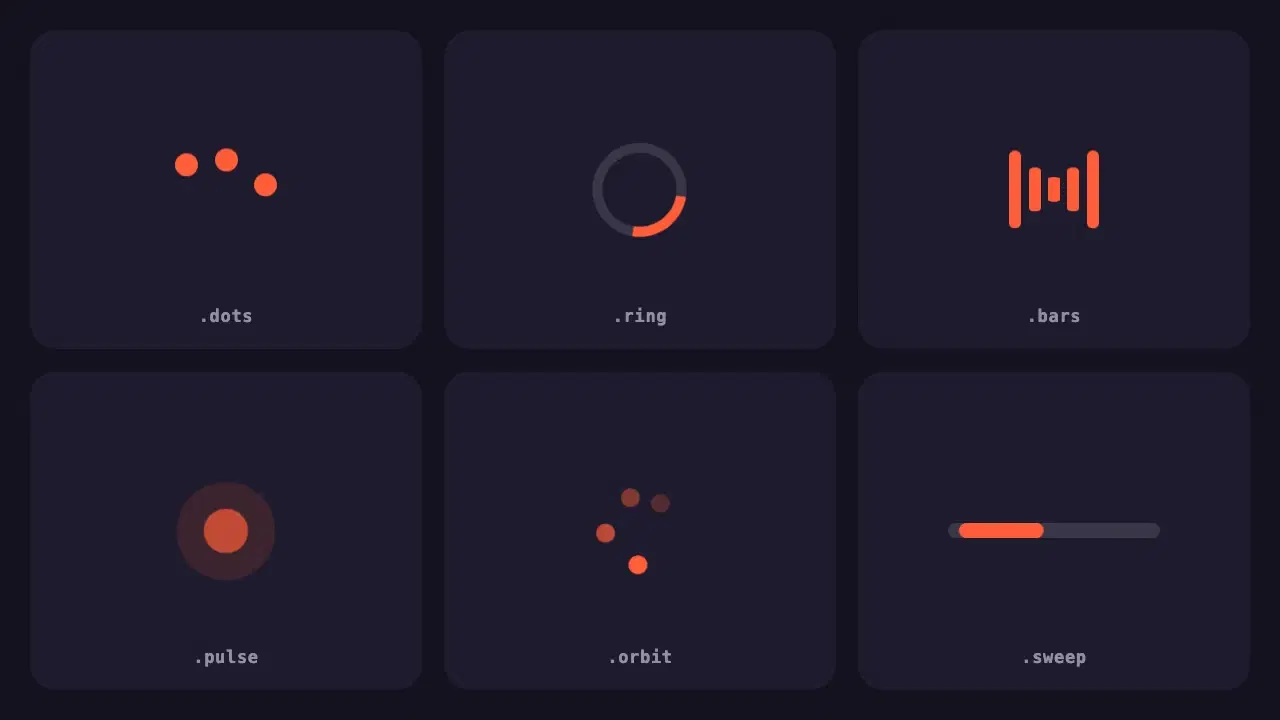
Six lightweight loading indicators in pure CSS. Each has a reduced motion fallback, and one variable changes the colour of all of them.
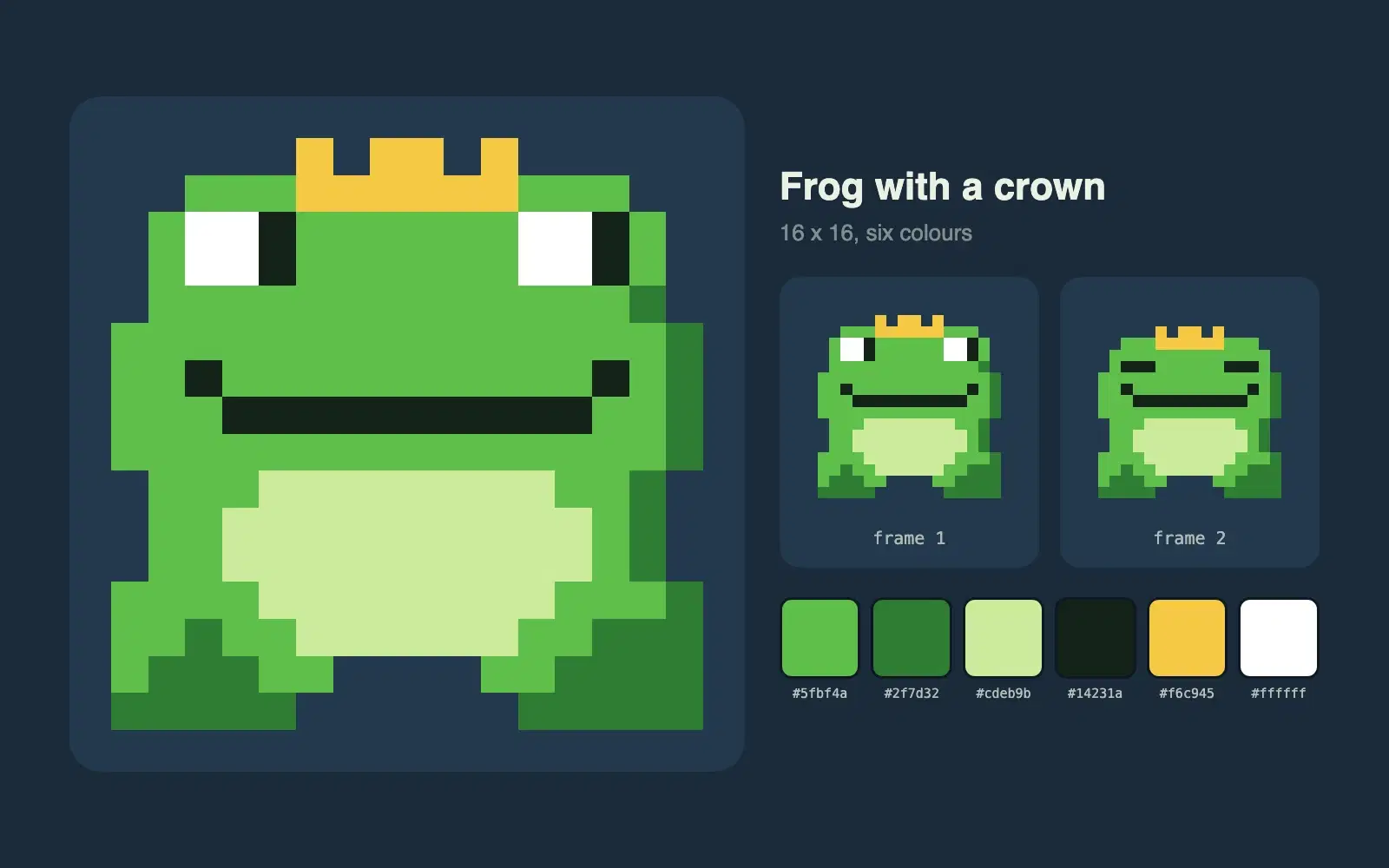
Describe a character and get a 16 by 16 pixel sprite as crisp SVG, with a small palette and a second frame for an idle animation.
Wrapping parts of your prompt in simple tags is one of the easiest ways to get more reliable answers from Claude. A practical guide with examples.
None of these cause an error message. They just make every answer a little worse. Here is how to spot each one and what to write instead.
Most disappointing answers come from prompts that are missing one of five parts. Here is what each part does, with a before and after you can copy.