How the Weekly Ranking Works
One vote per prompt, a fresh count every Monday, and a simple tie-break. Everything about how prompts reach the top three, in plain words.
None of these cause an error message. They just make every answer a little worse. Here is how to spot each one and what to write instead.
Bad prompts do not fail loudly. You still get an answer, it is just vaguer, longer or less useful than it could have been. These are seven common problems, each with a quick fix.
"Write a business plan for my bakery" asks for forty pages of work in one go, so you get a thin outline of everything. Split big jobs. Ask for the customer research first, react to it, then move on to pricing. Each step gets full attention, and you can correct the course early.
If your prompt is one long paragraph, the key instruction is easy to lose, for the model and for you when you reuse it later. Put the input in a clearly marked block, for example inside <draft> tags, and put the instructions in a numbered list.
"Do not be too formal" leaves a thousand options open. Say what you want instead: "Write the way you would explain it to a friend over coffee. Short sentences." Negative rules are fine as extras, but lead with the positive description.
If you have a piece of writing, a report or a function that you like, paste it and say "match this style". One real example beats three paragraphs of description. Mark it clearly as an example so that Claude copies the style and not the content.
Whenever a task involves your data, add an honesty rule: "Use only the facts I gave you. If something is missing, ask me or write UNKNOWN." This one line prevents most made-up numbers, names and quotes.
The first response is a draft. The most useful follow-ups are short:
That last one is surprisingly effective. Claude is often a better critic than first-draft writer.
If you have written a prompt that works, save it. Replace the specifics with placeholders in capitals, like [AUDIENCE] and [PASTE YOUR DRAFT], and keep it somewhere you can find it. That is exactly what the prompts on this site are: tested structures with blanks to fill in.
Take the last prompt that disappointed you and check it against this list. Most of the time the problem is number 1, 2 or 5, and the fix takes less than a minute.
Want to see these ideas applied? Browse all prompts, or start with this week's top three on the home page.
Subject lines your new checkout question about mobile carts one page checkouts The email Hi Dana, I saw the one page checkout you launched last week. The address autocomplete is really nice. I am curious whether it changed...
Short, specific outreach that reads like a person wrote it in five minutes. Includes three subject lines and a follow-up that adds something new.
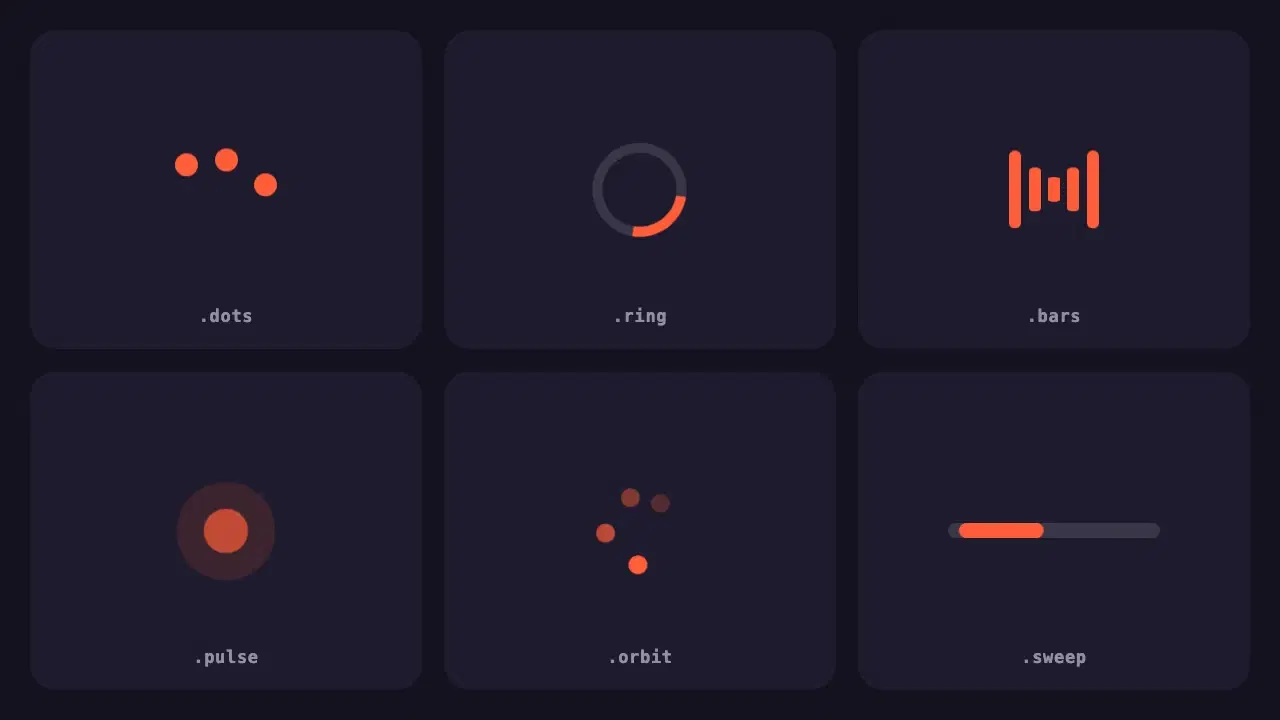
A small pack of lightweight loading indicators built with pure CSS, each with a reduced motion fallback and one variable to change the colour.
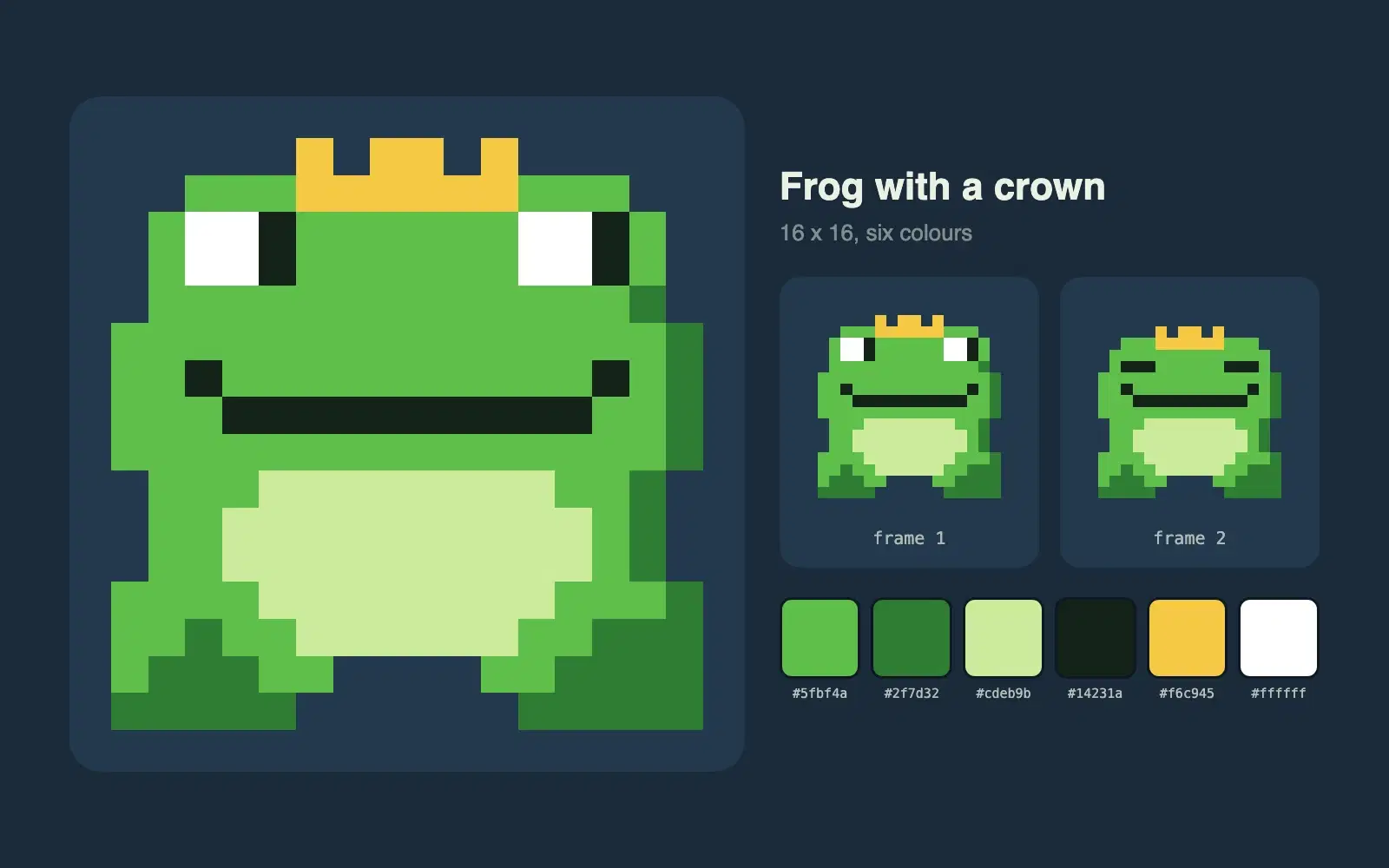
Describe a character and get a 16 by 16 pixel sprite as crisp SVG, with a limited palette and a second frame for a simple idle animation.
One vote per prompt, a fresh count every Monday, and a simple tie-break. Everything about how prompts reach the top three, in plain words.
Wrapping parts of your prompt in simple tags is one of the easiest ways to get more reliable answers from Claude. A practical guide with examples.
Most disappointing answers come from prompts that are missing one of five parts. Here is what each part does, with a before and after you can copy.