How the Weekly Ranking Works
One vote per prompt, a fresh count every Monday, and a simple tie-break. Everything about how prompts reach the top three, in plain words.
Get a slow SQL query checked for wrong results first and speed second, with a rewrite, the exact indexes to add and a way to verify the gain.
Review this SQL query like a database performance engineer would.

Database and version: [e.g. PostgreSQL 16]
Rough table sizes: [e.g. orders 40 million rows, customers 2 million]
Existing indexes: [LIST THEM, OR PASTE THE OUTPUT OF \d tablename]
What the query should return, in plain words: [DESCRIPTION]

```sql
[PASTE THE QUERY]
```

EXPLAIN ANALYZE output, if you have it:
```
[PASTE]
```

In this order:
1. Correctness first. Is there any case where it returns wrong or duplicated rows? Think about NULLs, joins that multiply rows, and time zones.
2. Explain what makes it slow, in plain language.
3. Rewrite it, and state any assumptions you made.
4. Give the exact CREATE INDEX statements to add. Mention any existing index that is not helping.
5. Tell me how to check that it really got faster.
Revenue is counted more than once. JOIN order_items produces one row per item, so SUM(o.total) adds the same order total once for every item in it. An order with three items is tripled.
"Today" is the server's today. created_at::date = CURRENT_DATE uses the server time zone. Your shop runs on Paris time, so orders placed between midnight and 2 am land on the wrong day.
lower(c.email) LIKE '%@acme.com' starts with a wildcard. No index can help, so Postgres reads all 2 million customers.created_at::date hides the column from its index. Compare against a time range instead.SELECT c.id, c.name, SUM(o.total) AS revenue
FROM orders o
JOIN customers c ON c.id = o.customer_id
WHERE c.email_domain = 'acme.com'
AND o.created_at >= date_trunc('day', now() AT TIME ZONE 'Europe/Paris') AT TIME ZONE 'Europe/Paris'
AND o.created_at < date_trunc('day', now() AT TIME ZONE 'Europe/Paris') AT TIME ZONE 'Europe/Paris' + interval '1 day'
GROUP BY c.id, c.name;
Assumption: you add a generated column email_domain. The join to order_items is gone because nothing in the result needs it.
CREATE INDEX CONCURRENTLY orders_created_customer_idx
  ON orders (created_at, customer_id) INCLUDE (total);

CREATE INDEX CONCURRENTLY customers_email_domain_idx
  ON customers (email_domain);
orders_status_idx is not used by this query. Check pg_stat_user_indexes before you drop it, in case something else needs it.
Run EXPLAIN (ANALYZE, BUFFERS) before and after. You want to see an Index Only Scan on orders instead of a Seq Scan. Expect it to go from about 4 seconds to well under 100 milliseconds.
NoteThis is an example. Results change between runs and model versions. Prompt Podium is a fan project and is not affiliated with Anthropic.
A query that is slow in production, a report whose totals look slightly off, or a review before you merge a query that touches a large table. It is written with PostgreSQL in mind, and works for MySQL and SQL Server when you name the engine and version.
The correctness check comes first on purpose: a fast query that returns wrong numbers is worse than a slow one. Try suggested indexes on a copy of the data, and check that an index is unused before you drop it. Use CONCURRENTLY on a live PostgreSQL database so that you do not block writes.
Use the copy button above. The full text is included, nothing is cut off.
Everything highlighted in yellow is a placeholder. Swap it for your own topic, audience or data.
If the result helped, press the heart. Votes decide which prompts make the weekly top 10.
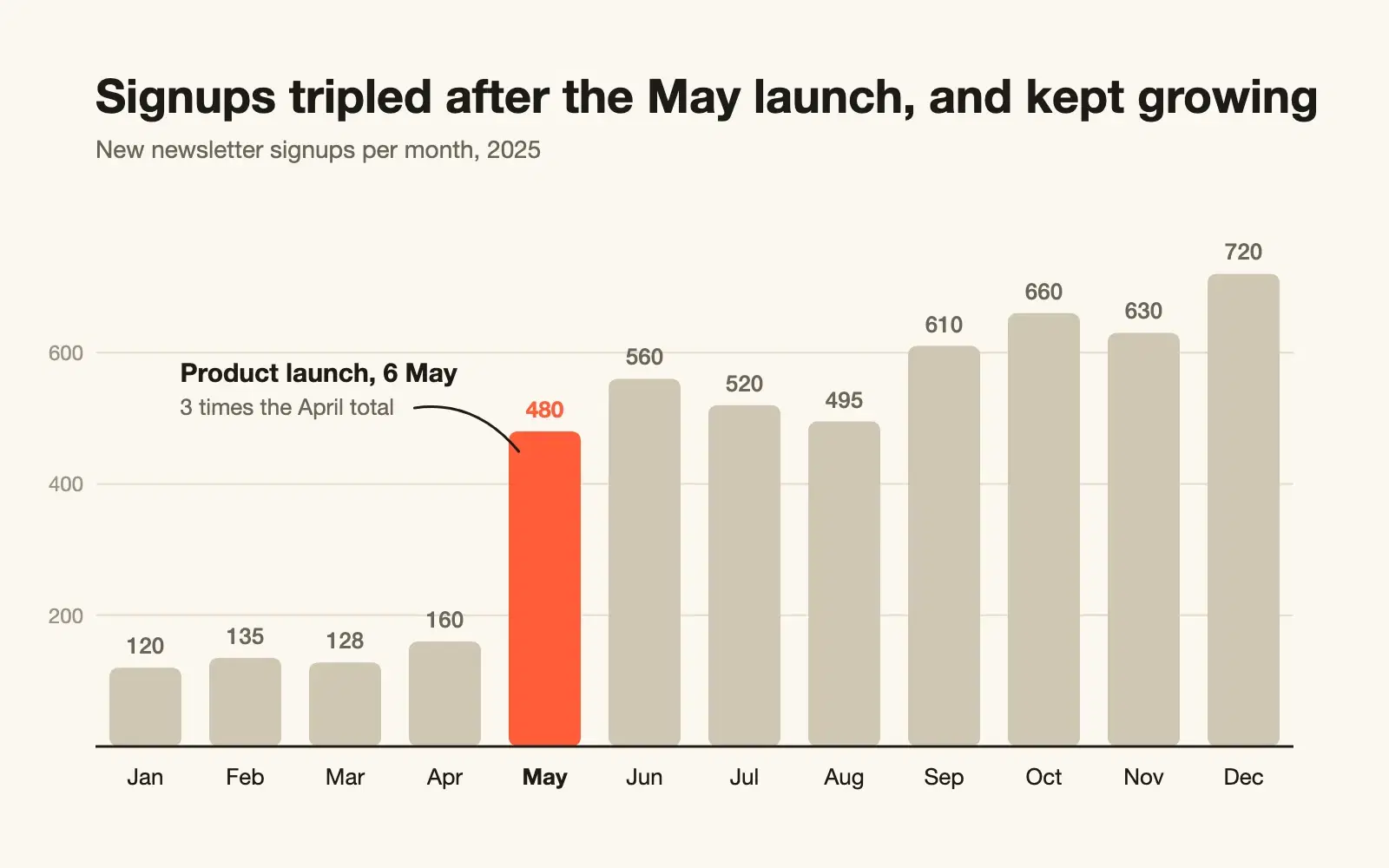
Paste raw CSV data and get a publication-ready SVG chart with sensible scales, direct labels and a title that states the finding.
One vote per prompt, a fresh count every Monday, and a simple tie-break. Everything about how prompts reach the top three, in plain words.
Wrapping parts of your prompt in simple tags is one of the easiest ways to get more reliable answers from Claude. A practical guide with examples.