How to use XML tags in Claude prompts
Wrapping parts of your prompt in simple tags is one of the easiest ways to get more reliable answers from Claude. A practical guide with examples.
Name the algorithm you're stuck on and get a small HTML page that sorts a row of bars one step at a time, with the compared pair lit up, a count of comparisons and swaps, and a plain words line saying what's happening right now.
I'm trying to understand [ALGORITHM, e.g. insertion sort, merge sort, quicksort] and reading about it isn't working. Build me an animation.

What I already know: [e.g. I get bubble sort, I've seen big O notation but don't feel it]

Build a single HTML file that:
- Shows [e.g. 20] bars of random heights and sorts them with [ALGORITHM], one step at a time.
- Lights up the elements being compared in one colour and the one being moved in another. Bars that have reached their final place turn a third colour and stay that way.
- Shows a running count of comparisons and moves, and a one line description of what's happening right now, in plain words ("finding where 7 belongs in the sorted part").
- Has play, pause, step and shuffle buttons, and a speed slider.
- Keeps the sorting code separate from the drawing code, so I can read the algorithm on its own. Comment it like a patient teacher, not like a reference manual.

At the end of the file, in a comment, tell me one thing to watch for in the animation that shows why this algorithm is fast or slow, and one input (already sorted, reversed, all equal) I should shuffle to and watch again.One HTML page: twenty bars, insertion sort running step by step with the compared pair in orange, the moving bar in blue and the sorted part in green, a comparisons and moves counter, a plain words line for the current step, and play, pause, step, shuffle and speed controls.
NoteThis is an example. Results change between runs and model versions. Claude Prompts is a fan project and is not affiliated with Anthropic.
A description of insertion sort is a paragraph about indices. The animation is a bar sliding left until it finds its place, over and over, and after thirty seconds of that the paragraph suddenly makes sense. The counters do the second half of the job. Watching the comparisons number climb on a reversed input is what "quadratic" feels like, and no amount of notation gives you that.
The comment at the end of the file names an input to try, and it's the most useful part. Insertion sort on already sorted data is almost instant; quicksort with a bad pivot on the same data is a disaster. Seeing both is how you learn which algorithm to reach for, and it's why the prompt asks for a shuffle button rather than a fixed dataset.
The sorting function is kept apart from the drawing code on purpose. Once the animation has shown you the shape of the idea, open the file and read the sort on its own. It should be short, and the comments should sound like someone explaining, not documenting. If you still can't follow a line, paste it back and ask what the animation was doing at that moment.
Use the copy button above. The full text is included, nothing is cut off.
Everything highlighted in yellow is a placeholder. Swap it for your own topic, audience or data.
If the result helped, press the heart. Votes decide which prompts make the weekly top 10.
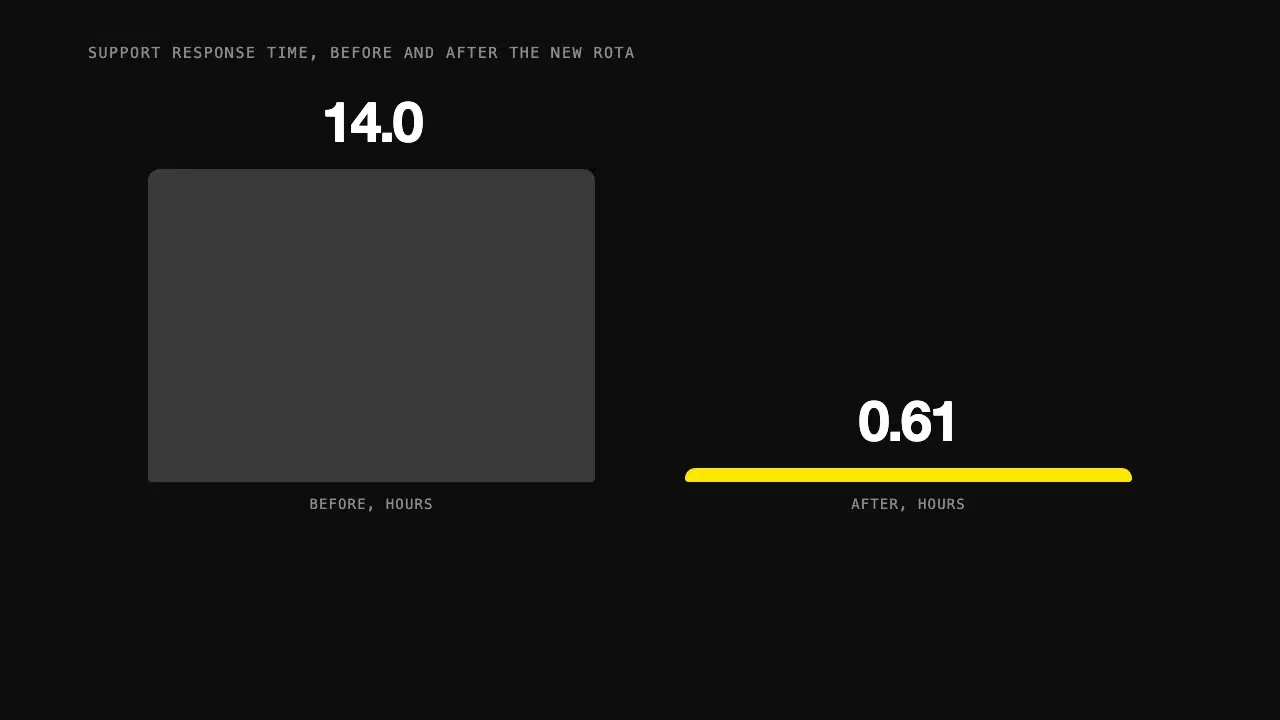
Give Claude one statistic and its context, and get a short animated visual in HTML that builds the number up step by step instead of just showing it.
Tutor: Before any formulas: you put 100 euros in a bank that pays 10% interest a year. How much do you have after one year? You: 110. Tutor: Good. In year two, is the 10% calculated on the original 100, or on something else?...
Makes Claude a patient tutor that gets you to the answer with questions and hints, so you end up actually understanding the topic.
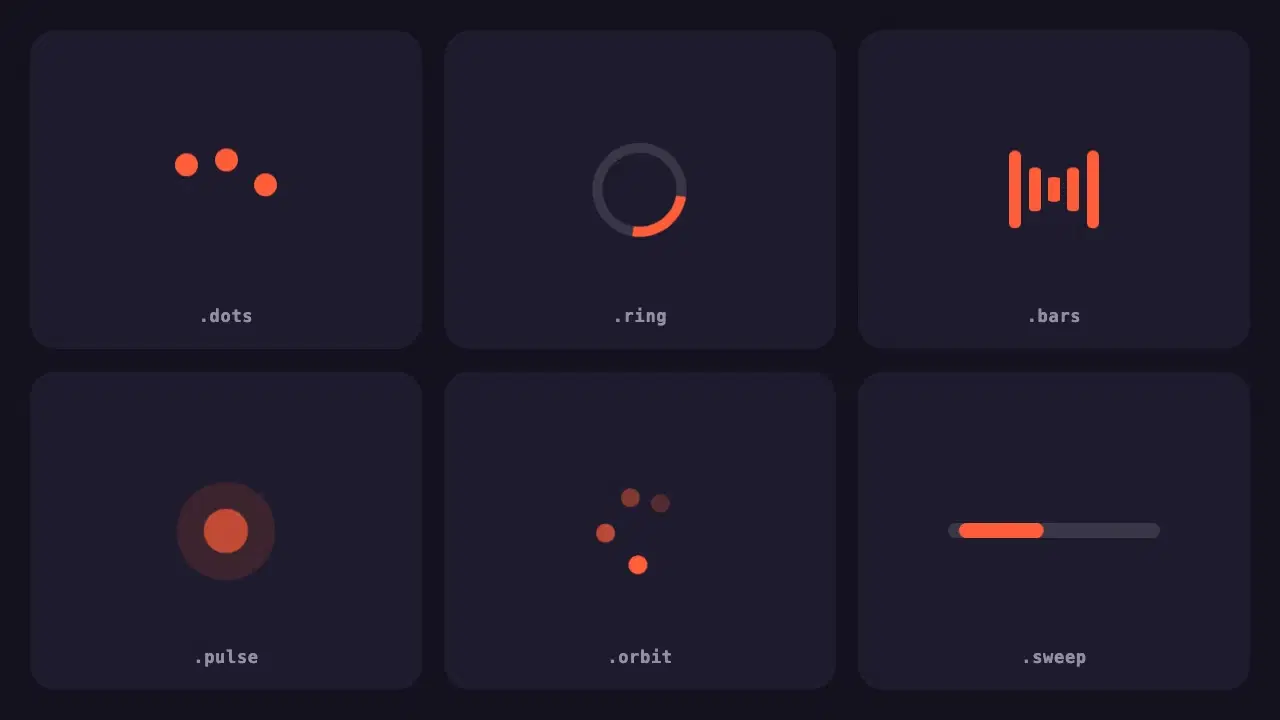
Six lightweight loading indicators in pure CSS. Each has a reduced motion fallback, and one variable changes the colour of all of them.
Wrapping parts of your prompt in simple tags is one of the easiest ways to get more reliable answers from Claude. A practical guide with examples.
None of these cause an error message. They just make every answer a little worse. Here is how to spot each one and what to write instead.