How to use XML tags in Claude prompts
Wrapping parts of your prompt in simple tags is one of the easiest ways to get more reliable answers from Claude. A practical guide with examples.
Paste a regular expression and a test string and get a small HTML page that runs the match one character at a time, lighting up the token being tried, the characters it eats and the groups it captures, with a plain words caption for every step.
I can write regular expressions by trial and error but I don't really see what the engine does. Build me an animation of this one.

The pattern: [e.g. (\d{2}):(\d{2})]
The test string: [e.g. Standup moved to 14:30 tomorrow]
What I don't get: [e.g. why it finds the match in the middle, what the groups are, why my version with .* grabbed too much]

Build one HTML file that:
- Shows the pattern split into tokens as chips along the top, and the test string below it with one character per cell.
- Runs the match one step at a time. The token being tried lights up, the character under the cursor lights up, and the characters a token has consumed get an underline in that token's colour. A failed try flashes and the cursor moves on.
- Shows the capture groups when the match completes: a box around the whole match and a label for each group with its value.
- Writes one plain words line per step under the string ("S is not a digit, move on", "the colon matches, next token").
- Has play, pause and step buttons, a speed slider, and two inputs so I can change the pattern or the string and run it again.
- Supports at least: literals, character classes, \d \w \s, the quantifiers {n}, + and *, groups, and the anchors ^ and $. If the pattern uses something outside that, say so at the top of the page rather than guessing.

At the end of the file, in a comment, explain in a few lines why the match was found where it was, and what happens with the pattern I said I was confused about.One HTML page: the pattern (\d{2}):(\d{2}) as seven chips, the string "Standup moved to 14:30 tomorrow" in cells, the cursor scanning past the failing starts, then each token consuming its characters at 14:30, a green box around the match with group 1 = 14 and group 2 = 30, and inputs to change the pattern and run it again.
NoteThis is an example. Results change between runs and model versions. Claude Prompts is a fan project and is not affiliated with Anthropic.
Cheat sheets explain what \d means. What they don't show is the loop: try at position 0, fail, try at position 1, fail, and so on until something sticks. Once you've watched the cursor sweep past "Standup moved to" and stop at the 1, the question of where a match starts answers itself, and greedy versus lazy quantifiers stop being folklore.
The test string is the lesson. If your real problem is a pattern that grabs too much, paste the input where that happens and the pattern that misbehaves, not a tidied up example. The comment at the end of the file is asked to explain that specific case, so the more real the case, the more useful the comment.
The animated matcher is a small engine written for the page, not your language's regex library, which is why the prompt lists what it supports. Lookaheads, backreferences and Unicode classes are outside it. If you need those, ask for the animation of the part of the pattern that's inside the subset, and read about the rest.
Use the copy button above. The full text is included, nothing is cut off.
Everything highlighted in yellow is a placeholder. Swap it for your own topic, audience or data.
If the result helped, press the heart. Votes decide which prompts make the weekly top 10.
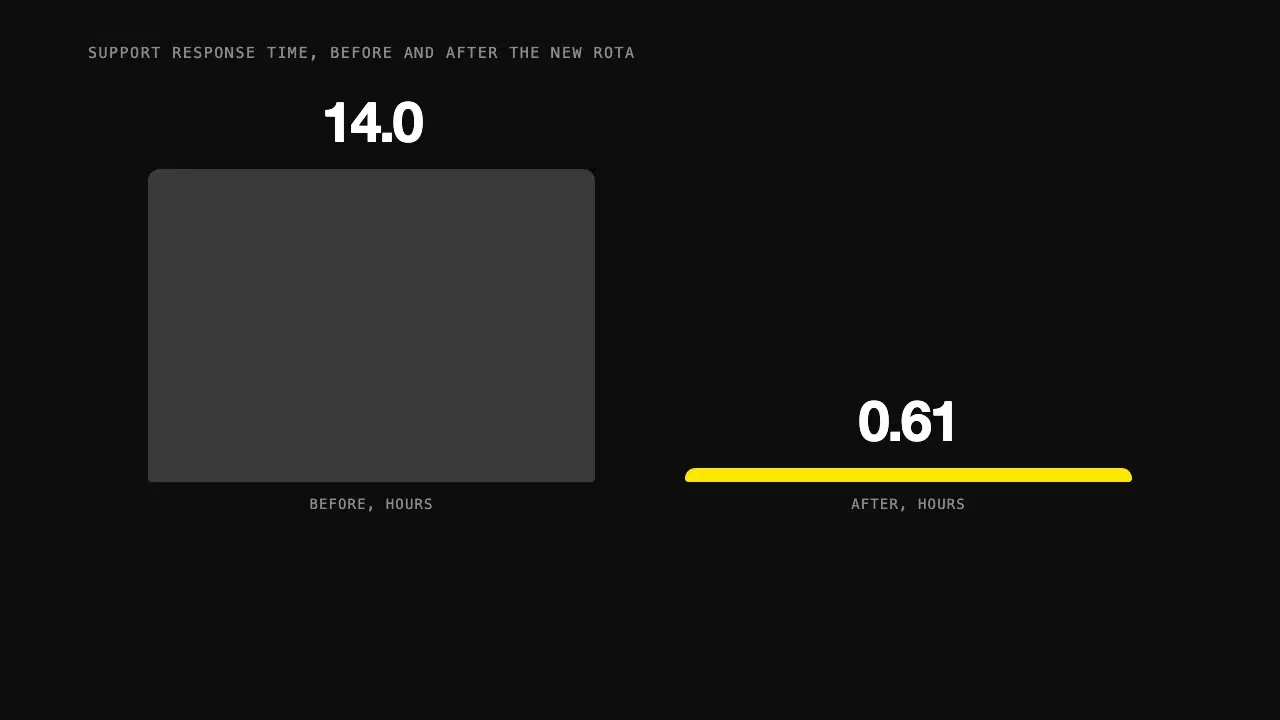
Give Claude one statistic and its context, and get a short animated visual in HTML that builds the number up step by step instead of just showing it.
Tutor: Before any formulas: you put 100 euros in a bank that pays 10% interest a year. How much do you have after one year? You: 110. Tutor: Good. In year two, is the 10% calculated on the original 100, or on something else?...
Makes Claude a patient tutor that gets you to the answer with questions and hints, so you end up actually understanding the topic.
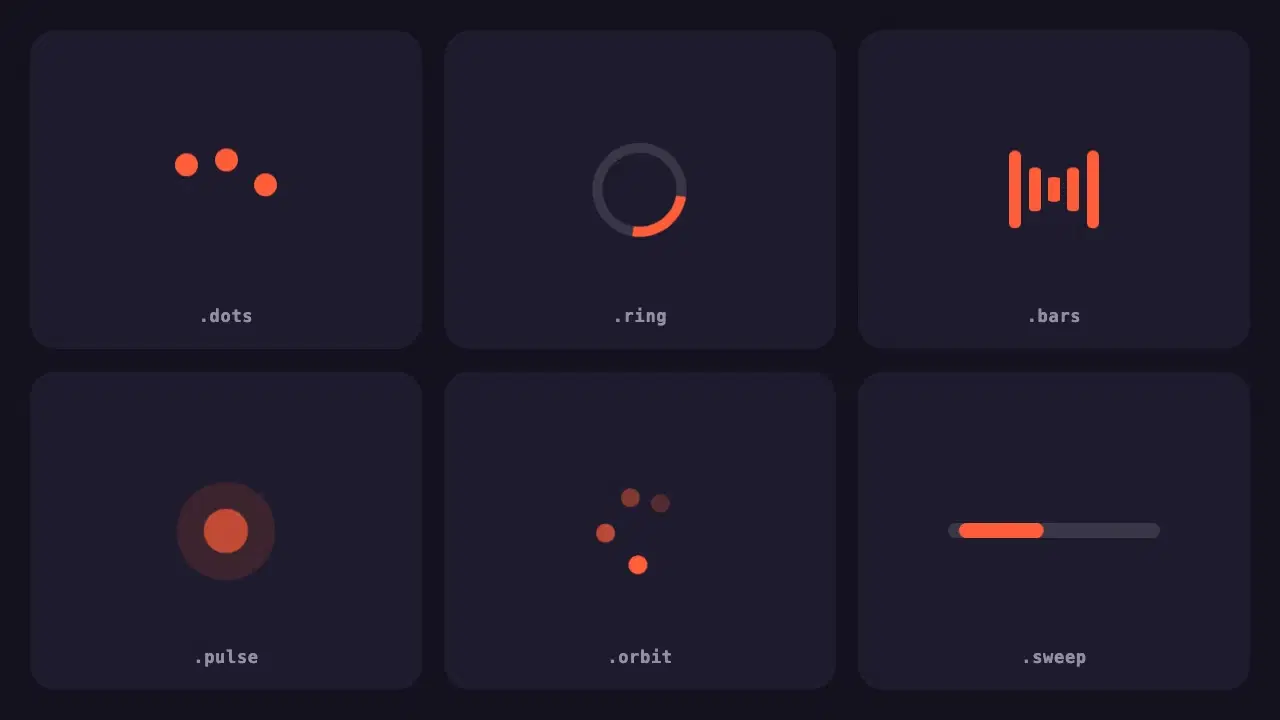
Six lightweight loading indicators in pure CSS. Each has a reduced motion fallback, and one variable changes the colour of all of them.
Wrapping parts of your prompt in simple tags is one of the easiest ways to get more reliable answers from Claude. A practical guide with examples.
None of these cause an error message. They just make every answer a little worse. Here is how to spot each one and what to write instead.