How the weekly ranking works
One vote per prompt, a fresh count every Monday, and a simple tie-break. Everything about how prompts reach the top three, in plain words.
Paste the commands and their real output, and get an HTML file that replays them as a typed terminal session, ready to screen record for a README or a landing page, with no typos and no waiting for the real thing to run.
I need a short demo of my command line tool for the README. Make it a single HTML file that plays like a recorded terminal session.

The tool: [NAME AND ONE LINE ON WHAT IT DOES]
The session, exactly as it should appear:
<session>
$ [COMMAND ONE]
[ITS REAL OUTPUT]
$ [COMMAND TWO]
[ITS REAL OUTPUT]
</session>

Rules:
- Type the commands character by character at a human pace, with a little variation, then show the output at once, or line by line if the real tool streams.
- Pause about a second after each output before the next prompt appears.
- Dark background, a monospace font stack that exists on every OS, a plain "$" prompt, a blinking block cursor. No window chrome dots unless I ask.
- Colour only what the real tool colours: [e.g. the success line green, warnings yellow, nothing else].
- Loop after a pause at the end, with a one line switch at the top to play once instead.
- A fixed size of [e.g. 1280 by 720] so a screen recording of it has no surprises.

Keep the output text exactly as I gave it. Don't shorten it, don't fix the spelling in my error messages, and don't add commands I didn't include.
One HTML file that types two commands at a human pace, prints the tool's real output with the warning in yellow and the final line in green, waits a beat between commands, and loops with a blinking cursor. Fixed at 1280 by 720 for recording.
NoteThis is an example. Results change between runs and model versions. Claude Prompts is a fan project and is not affiliated with Anthropic.
Recording a real terminal session for a README means typing perfectly on the first try, waiting for every command to finish, and hiding whatever's in your prompt and history. Most people record it five times. A replay page types the commands for you, at a pace that looks human, with the output you chose. Record it once with any screen tool, or run it directly on a landing page.
The whole value of a demo is that it shows what the tool really does. The prompt tells Claude to keep the output exactly as given, including odd spacing and the spelling of error messages, and to colour only the lines the real tool colours. A demo with prettier output than the tool produces is a small lie that people notice the moment they install it.
Open the HTML in a browser window sized to the fixed dimensions and screen record it, or use a headless browser to grab frames at a steady rate and stitch them with ffmpeg. The loop switch at the top matters here: play once for a recording, loop for a page. If your README host doesn't play video, record it as a GIF at a low frame rate, which is plenty for text appearing.
Use the copy button above. The full text is included, nothing is cut off.
Everything highlighted in yellow is a placeholder. Swap it for your own topic, audience or data.
If the result helped, press the heart. Votes decide which prompts make the weekly top 10.
In one paragraph. This is a bookings app for small gyms. A React front end talks to an Express API in /server. Data lives in Postgres and is accessed through Prisma. Anything slow (emails, PDF invoices) goes through a job...
Paste a file tree and a few key files and get the tour a senior engineer would give you: how a request flows, where things live, what to avoid.
What the error means. Cannot read properties of undefined (reading 'map') means orders was undefined at the moment the component rendered. The array never arrived, or it arrived under a different name. Most likely causes 1...
Stops Claude from patching symptoms. It ranks the likely causes, tells you what to check first, and only then writes the fix.
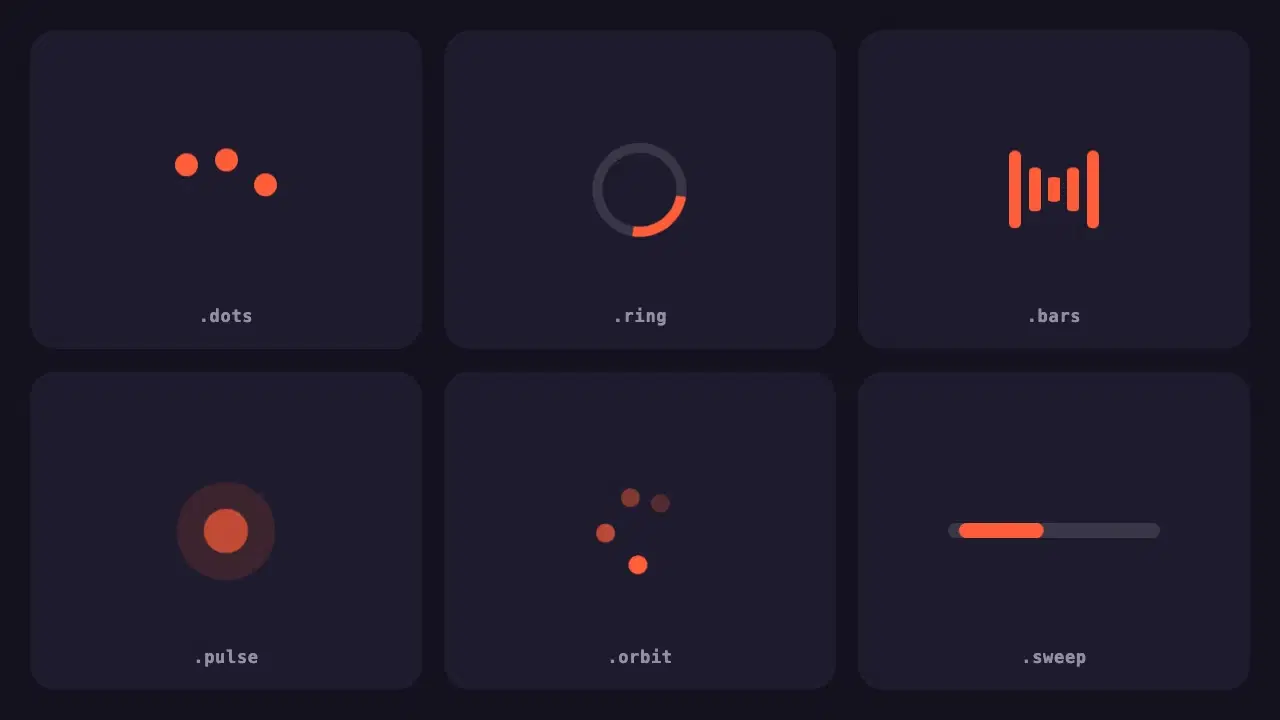
Six lightweight loading indicators in pure CSS. Each has a reduced motion fallback, and one variable changes the colour of all of them.
One vote per prompt, a fresh count every Monday, and a simple tie-break. Everything about how prompts reach the top three, in plain words.
Wrapping parts of your prompt in simple tags is one of the easiest ways to get more reliable answers from Claude. A practical guide with examples.