Seven prompt mistakes that quietly ruin your results
None of these cause an error message. They just make every answer a little worse. Here is how to spot each one and what to write instead.
Stops Claude from patching symptoms. It ranks the likely causes, tells you what to check first, and only then writes the fix.
Help me debug this. I'm after the actual cause, not a patch that makes the error go away.

What I expected: [EXPECTED BEHAVIOUR]
What happens instead: [ACTUAL BEHAVIOUR]
When it started, if I know: [e.g. after upgrading a package, only in production, only for some users]

The error:
```
[PASTE THE ERROR AND STACK TRACE]
```

The code:
```
[PASTE THE CODE]
```

Go in this order:
1. Tell me in one sentence what the error message actually means.
2. Give me the three most likely causes, most likely first, and say what in my code or error points to each.
3. For the top one, give me a quick check (a log line, a command, a value to print) that would confirm it or rule it out.
4. Only then write the fix. Explain why it fixes the cause and not just the symptom.
5. Tell me what would have caught this earlier: a test, a type, a lint rule.

If you need another file to be sure, ask for it before writing any fix.
What the error means. Cannot read properties of undefined (reading 'map') means orders was undefined at the moment the component rendered. The array never arrived, or it arrived under a different name.
useEffect fetch is asynchronous, and useState() has no initial value, so orders is undefined on the first pass. The stack trace points at line 14, which is the first render.[...] to { data: [...] }, then setOrders(json) stores an object and .map fails. That would be a different message though ("map is not a function"), so this is less likely.catch, so a 401 would leave orders untouched.Add console.log("orders:", orders) on the line above the return. If the first log says undefined and the second shows an array, it is cause 1.
const [orders, setOrders] = useState([]);
const [status, setStatus] = useState("loading");
Then render a loading state while status === "loading" and an error state if the fetch fails. This fixes the cause because the component now has a valid value for every moment in its life, instead of assuming the data is already there.
Avoid orders?.map(...) on its own. It hides the crash, but the user would stare at an empty page with no idea why.
With TypeScript, useState<Order[]>() without an initial value has the type Order[] | undefined, and the compiler refuses the .map call until you handle it.
NoteThis is an example. Results change between runs and model versions. Claude Prompts is a fan project and is not affiliated with Anthropic.
You've got an error message and you're about to paste it in and type "fix this". It earns its keep on bugs that come and go: race conditions, things that only break in production, problems that showed up after an upgrade.
Fill in the "when it started" line even if you're only half sure. "After upgrading React" or "only for logged-out users" narrows things down more than another hundred lines of code would. Paste the whole stack trace, not just the last line. For a performance problem, replace the error block with your measurements and ask for the same ranked list of causes.
Run the quick check from step three before you apply anything. If it rules out the top cause, say so and have Claude move on to the second one. That back and forth is why this beats guessing. And be suspicious of a fix that only adds optional chaining or wraps things in a try and catch. It usually hides the crash and leaves the cause exactly where it was.
Use the copy button above. The full text is included, nothing is cut off.
Everything highlighted in yellow is a placeholder. Swap it for your own topic, audience or data.
If the result helped, press the heart. Votes decide which prompts make the weekly top 10.
In one paragraph. This is a bookings app for small gyms. A React front end talks to an Express API in /server. Data lives in Postgres and is accessed through Prisma. Anything slow (emails, PDF invoices) goes through a job...
Paste a file tree and a few key files and get the tour a senior engineer would give you: how a request flows, where things live, what to avoid.
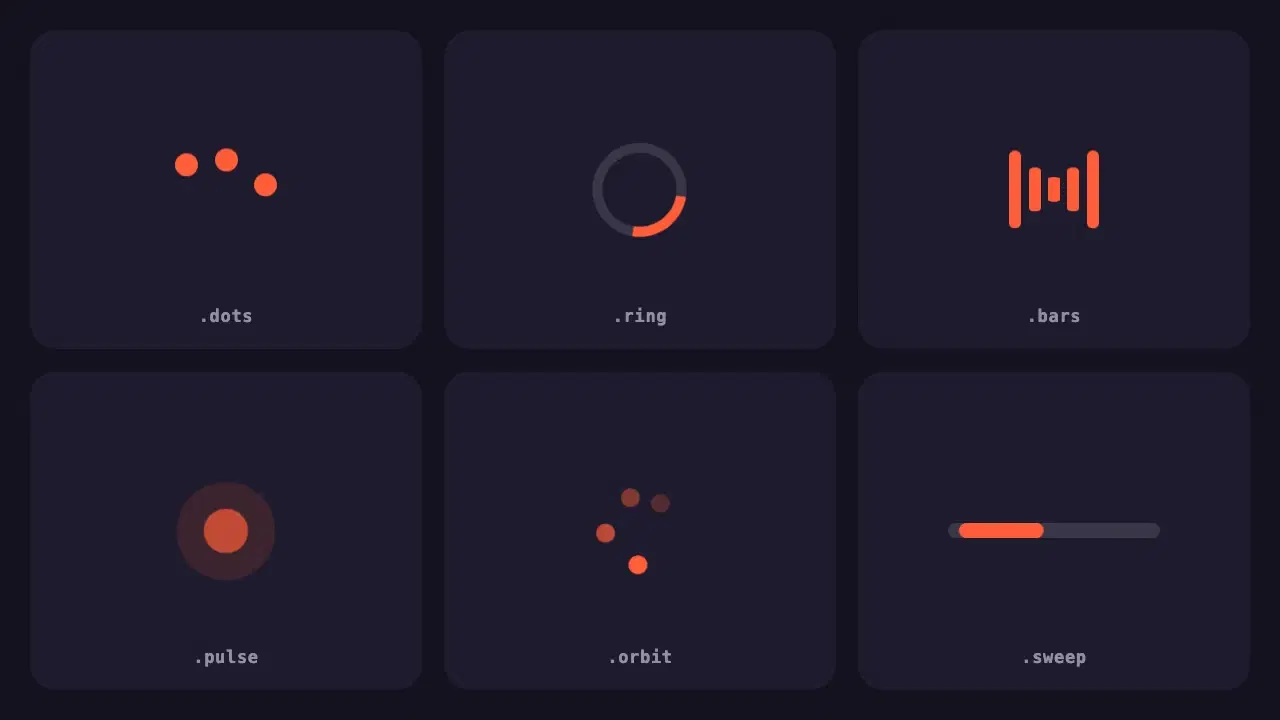
Six lightweight loading indicators in pure CSS. Each has a reduced motion fallback, and one variable changes the colour of all of them.
None of these cause an error message. They just make every answer a little worse. Here is how to spot each one and what to write instead.
Most disappointing answers come from prompts that are missing one of five parts. Here is what each part does, with a before and after you can copy.