How to use XML tags in Claude prompts
Wrapping parts of your prompt in simple tags is one of the easiest ways to get more reliable answers from Claude. A practical guide with examples.
Describe your product and get a shot by shot storyboard for a 30 second explainer, with the voiceover timed to each scene and a simple animated preview.
Storyboard a 30 second explainer video for my product.

Product: [NAME AND WHAT IT DOES, ONE SENTENCE]
Who it's for: [AUDIENCE]
The one thing viewers should remember: [MESSAGE]
Tone: [e.g. calm and clear, playful, confident]

Give me:
- Six scenes, each with a timestamp range, what's on screen, and the voiceover line for that scene. The voiceover should total about 75 words, which is what fits in 30 seconds at a natural pace.
- Scene 1 opens on the problem, not the product. The product appears in scene 3 at the earliest.
- Text on screen is optional, but if you use it, keep it under six words per scene.
- The last scene is the call to action, with the product name and one line.

Then build a simple animated preview as a single HTML file: each scene is a card with a placeholder illustration made from CSS shapes, its caption and its voiceover line, and the cards play through on a timer so I can feel the pacing.
Six scenes, 30 seconds, 74 words of voiceover. The animated preview plays the scenes on a timer with a progress bar, so you can feel whether the pacing works before anyone opens an editing tool.
NoteThis is an example. Results change between runs and model versions. Claude Prompts is a fan project and is not affiliated with Anthropic.
Not the video, the pacing. Most explainer videos fail because the script is twice as long as the runtime allows. Fixing the word count and the scene order at the storyboard stage is cheap. Fixing it after an animator has built it is not.
"The one thing viewers should remember" is the line to think hardest about. If you can't say it in one sentence, the video won't say it either. Give a real tone as well, because "professional" produces something forgettable. If you have a competitor's video you like, describe its structure and ask for something similar.
Hand the storyboard to whoever makes the video, or record the voiceover yourself over the preview to test the timing. The CSS placeholder scenes are deliberately rough. They're there to check rhythm and order, not to be the final look.
Use the copy button above. The full text is included, nothing is cut off.
Everything highlighted in yellow is a placeholder. Swap it for your own topic, audience or data.
If the result helped, press the heart. Votes decide which prompts make the weekly top 10.
Five second test. A new visitor would think this is "some kind of AI dashboard for teams". You sell automatic invoice reminders for freelancers, and nothing above the fold says invoice, freelancer or paid. The five biggest...
A blunt review of your landing page copy: what confuses visitors, which claims need proof, and three new hero sections to test.
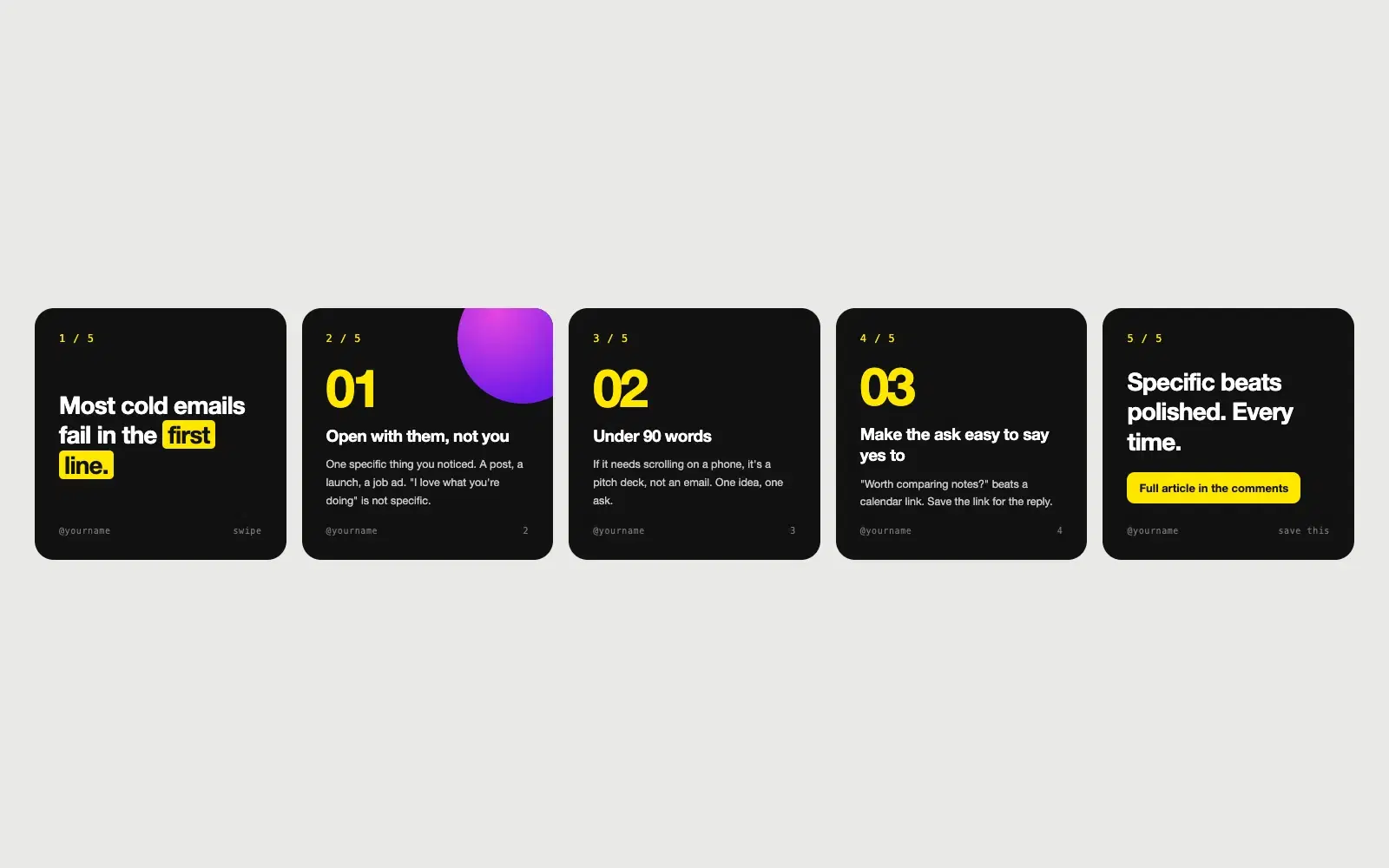
Paste an article and get a five slide carousel with a hook, one idea per slide and a closing call to action, laid out as clean square slides.
Wrapping parts of your prompt in simple tags is one of the easiest ways to get more reliable answers from Claude. A practical guide with examples.
None of these cause an error message. They just make every answer a little worse. Here is how to spot each one and what to write instead.